Diagnostics
Abacus exposes diagnostics through mmm.diagnostics.
Use this surface to check the design matrix, posterior sampling quality, and posterior predictive fit. For fitted-value plots and predictive sampling, see Posterior Predictive.
Diagnostic surfaces
mmm.diagnostics provides three groups of checks.
| Area | Summary method | Report method | What it covers |
|---|---|---|---|
| Raw input screening | design_summary(X) |
design_report(X) |
Collinearity, constants, and near-constant regressors on raw input columns |
| MCMC | mcmc_summary() |
mcmc_report() |
r_hat, ESS, divergences, BFMI, tree depth, acceptance rate |
| Predictive | predictive_summary() |
predictive_report() |
RMSE, MAE, NRMSE, NMAE, CRPS, residual moments |
The summary methods return pandas DataFrames. The report methods return typed
report objects with a to_dict() method for JSON-ready export.
Raw input screening
Use design_summary(X) on the raw design matrix you want to inspect:
By default, Abacus checks:
- all
channel_columns - all
control_columns, when present
You can limit the check to specific variables:
The returned table includes:
variablemeanstdn_uniquedominant_shareis_constantis_near_constantvifhigh_vifmax_abs_corr
design_report(X) returns a compact roll-up with matrix rank, condition
number, maximum VIF, maximum absolute correlation, and lists of flagged
variables.
Screening requirements
Raw input screening requires:
- all requested columns to exist in
X - all checked columns to be numeric
Abacus raises a ValueError if a variable is missing or non-numeric.
The method names stay design_summary() and design_report(), but the
pipeline now treats them as raw input screening rather than transformed model
geometry.
MCMC diagnostics
Use mcmc_summary() after fitting:
The summary comes from arviz.summary(..., kind="diagnostics") and adds flag
columns such as:
high_rhatlow_ess_bulklow_ess_tail
mcmc_report() adds model-level diagnostics, including:
divergence_countdivergence_ratemax_rhatmin_ess_bulkmin_ess_tailbfmi_meanbfmi_minmax_tree_depth_hitsmax_tree_depth_observedmean_acceptance_rate
If idata is missing, Abacus raises an error and tells you to fit the model
first.
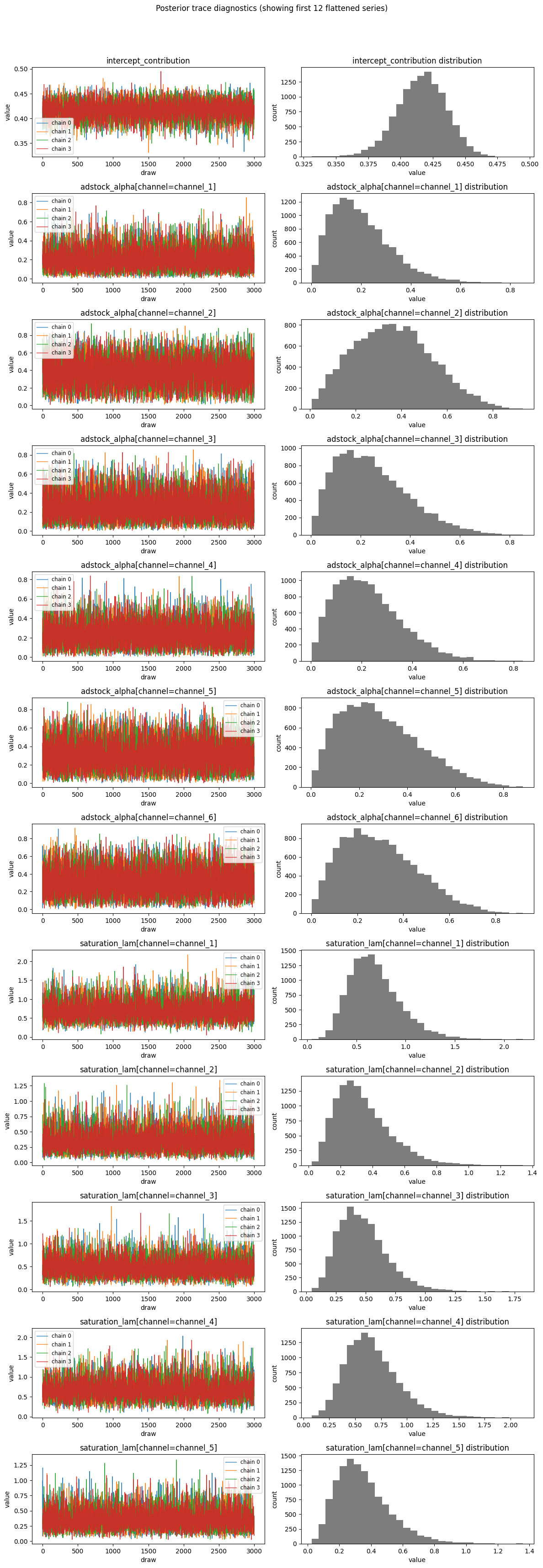
Example MCMC diagnostic output:
Predictive diagnostics
Predictive diagnostics use the observed target and stored posterior predictive samples:
The predictive summary is a one-row DataFrame with:
scalenum_observationsrmsemaenrmsenmaecrpsresidual_meanresidual_std
Abacus aligns target and prediction coordinates before flattening. That includes mixed datetime coordinate dtypes when needed.
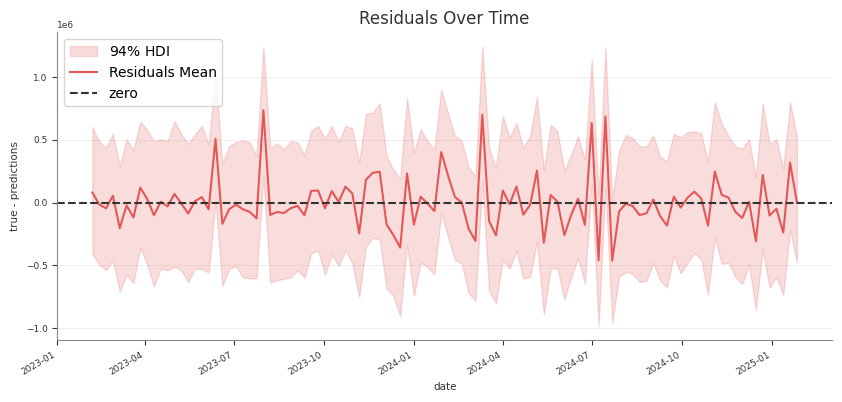
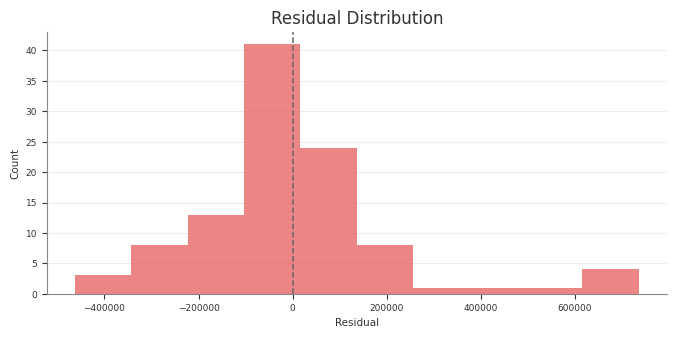
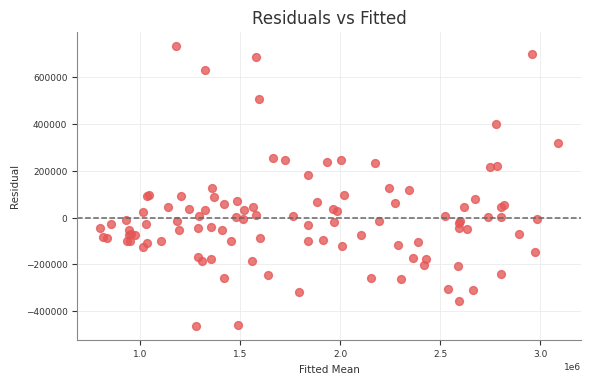
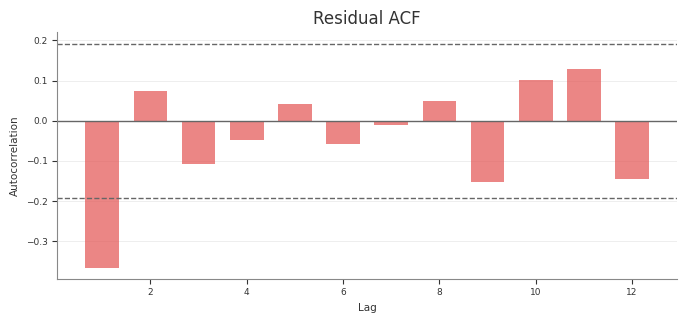
Example residual diagnostics:
Export reports
Use the report objects when you want a compact export format:
The same pattern works for design_report(...) and predictive_report().
Pipeline outputs
The pipeline diagnostics stage uses the same retained diagnostic surfaces to write report tables and text summaries. If you run the pipeline, those stage artefacts should match the behaviour documented here.
In the structured pipeline, the raw-input screening rows in
diagnostics_report.csv use the phase label raw_input_screening instead of
design so the machine-readable output matches the wording here.
Common pitfalls
- Running
mcmc_summary()ormcmc_report()before fitting - Running predictive diagnostics before sampling posterior predictive values
- Passing non-numeric columns into
design_summary(X) - Treating predictive diagnostics as a substitute for design or MCMC checks